How to Create Implementation User and assign roles to the user
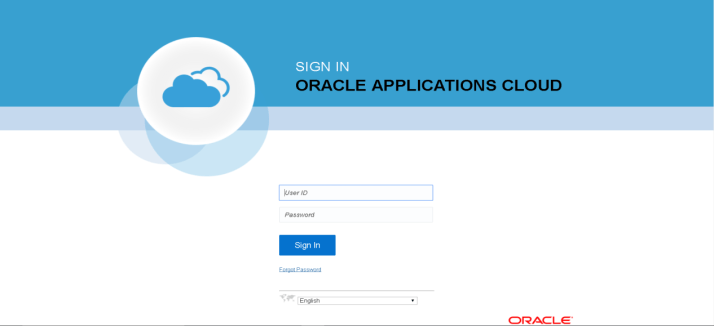
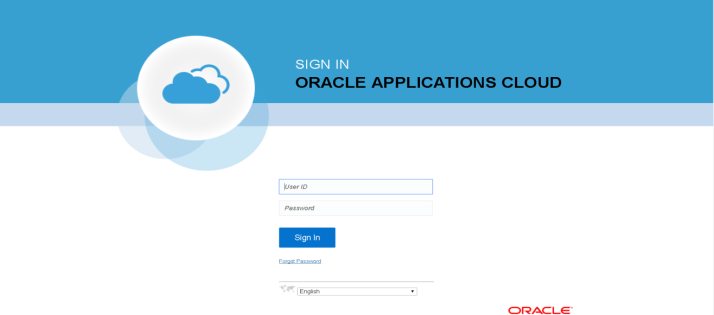
- Login to Fusion Application using userid(fin_impl) and password
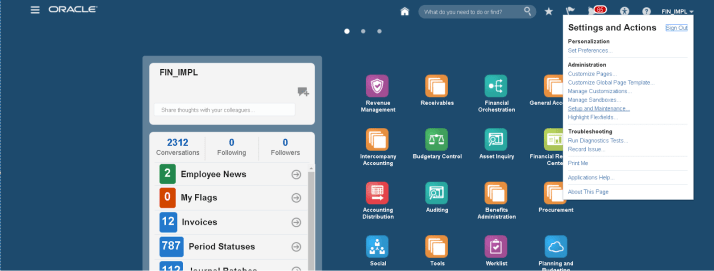
- Dashboard

- Select Settings and Actions → Administration → Setup and Maintenance
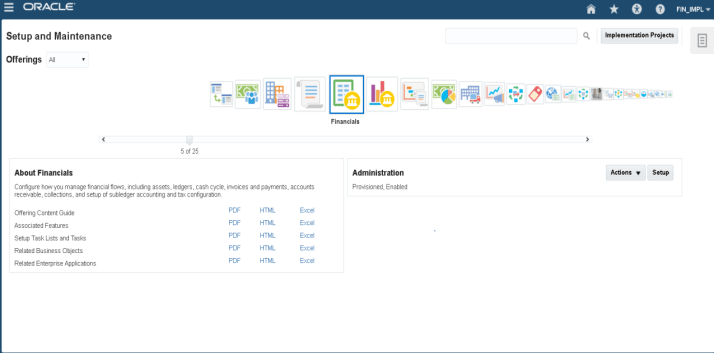
- Select Financial offering and then select “Setup”
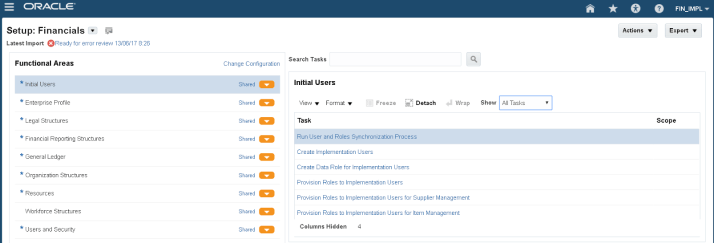
- Under Setup Financial Screen → Initial Users → Show as “All Tasks”
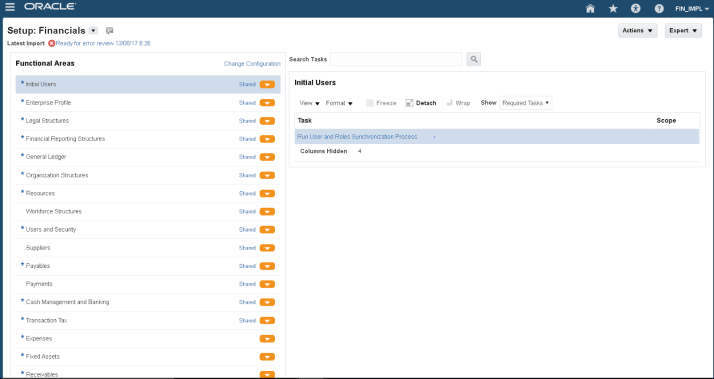
- Then select “Create Implementation User”
- Select Administration under Identity Manager Dashboard
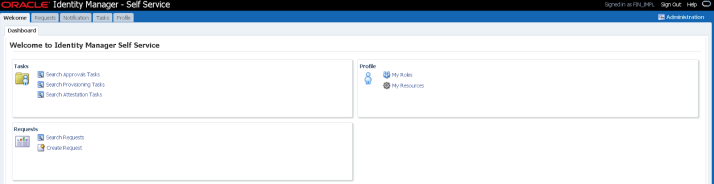
- Then select “Create User”

- Enter required fields to create user
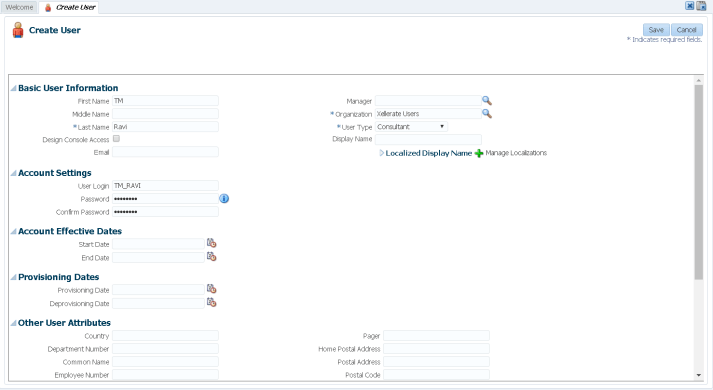
- Save the records
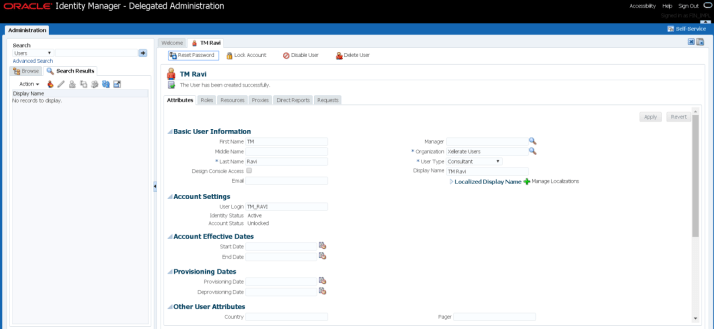
- Assign “IT Security Manager” and “Application Implementation Consultant” by navigating to Roles tab.
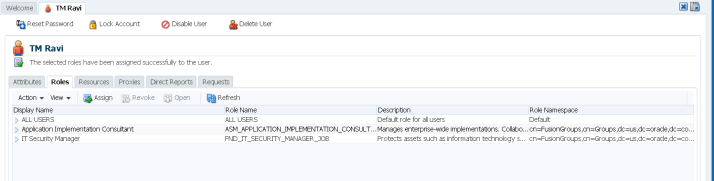
- Close IDM page and run “User and Roles Synchronization Process” job from financial setup screen.
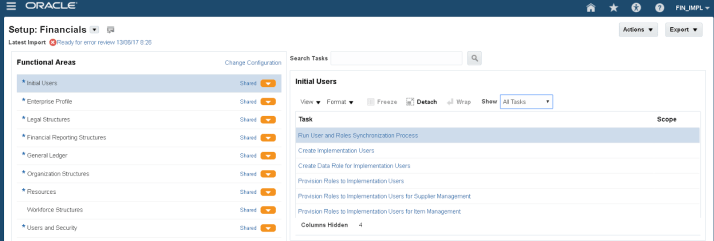
- Click on Submit

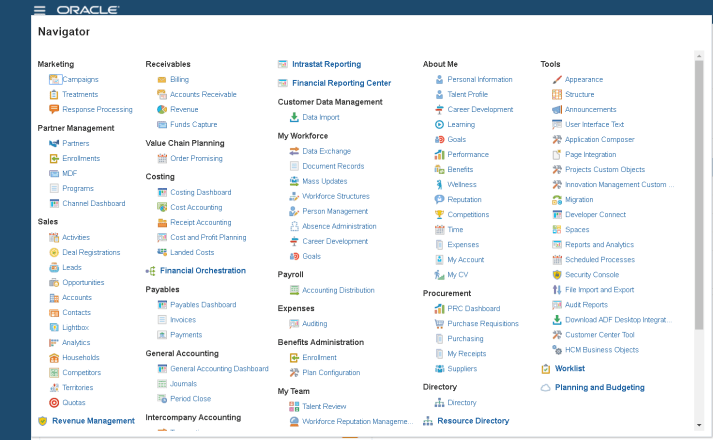
- To Check the status navigate to Navigator → Tools section
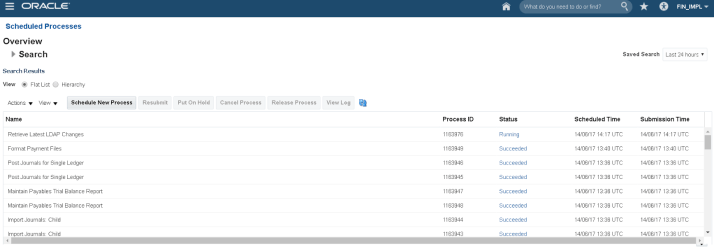
- Check the status of request

- Log out from current user and then login with user “TM_RAVI” and change password at first login.
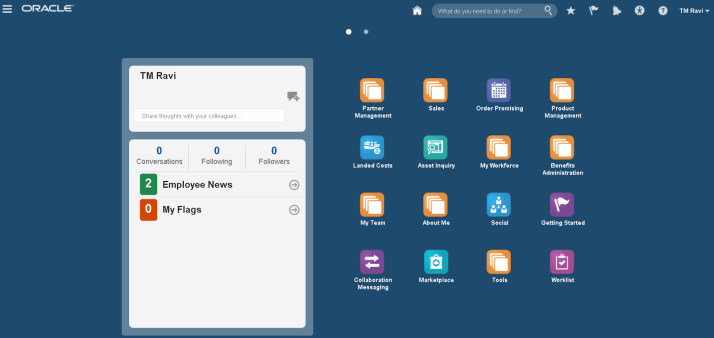
- TM_RAVI user dashboard
Thanks Yogesh
 Enterprise Resource Planning and Integrations BlogSpot